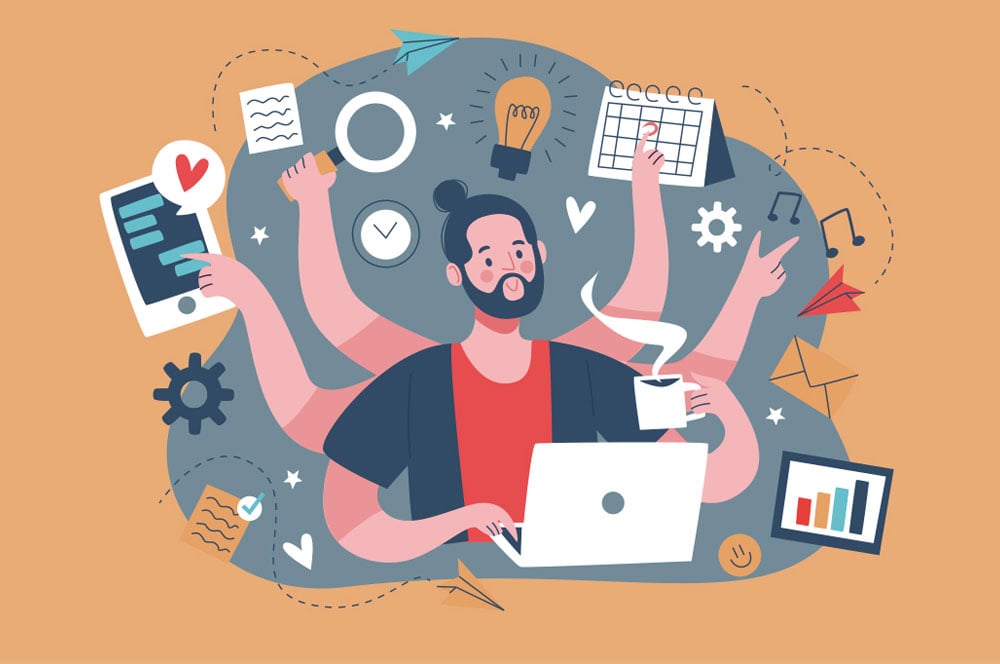
Work can feel strangely heavier when every task lives in a different corner of your day. The right productivity apps do not make you work harder; they remove the tiny delays that keep stealing your focus. For busy digital workers in the USA, that matters because the modern workday now stretches across Slack threads, client portals, inboxes, shared docs, calendar links, and late-afternoon “quick” requests that are never quick.
A better app setup starts with one simple standard: every tool must reduce friction. It should help you capture work, decide what matters, and finish with less mental drag. That is why many professionals now treat their digital setup like a workspace, not a random pile of downloads. A small business owner using digital visibility resources may care about marketing reach, but the same rule applies inside daily work: systems beat scattered effort.
The mistake is thinking more apps mean more control. Often, they mean more places to check. A sharp setup feels quieter. It gives you fewer decisions, cleaner handoffs, and a work rhythm that survives busy weeks.
Why Busy Digital Workers Need a Leaner App Stack
The average workday no longer breaks cleanly into “deep work” and “admin work.” Messages interrupt planning. Meetings break concentration. Notes vanish into tabs. A lean app stack protects your attention by making each tool earn its place. The goal is not to build a fancy dashboard. The goal is to make the next action obvious when your brain is already tired.
Choosing Apps by Job, Not Popularity
Popular tools are not always useful tools. A freelancer in Chicago managing five client accounts does not need the same setup as a remote HR manager in Dallas. One needs fast file sharing, task tracking, and clean client notes. The other may need calendar coordination, meeting records, and approval workflows.
A good test is simple: ask what job the app performs when pressure rises. If it only looks neat during a calm Monday morning, it may fail by Thursday afternoon. The strongest task management tools keep their value when your day gets messy.
This is where many digital workers go wrong. They download what coworkers praise, then bend their habits around the software. The better move is to map your daily bottlenecks first. Lost tasks, late replies, messy notes, and missed deadlines all point toward different fixes.
Cutting the Apps That Create Hidden Work
Every new app adds a tiny tax. You have to check it, update it, sync it, search it, and remember why you opened it. That tax feels harmless at first, then it becomes the reason your day feels scattered.
A lean stack removes tools that duplicate the same job. If your project board already tracks deadlines, your notes app should not become a second task list. If your calendar blocks deep work, a separate reminder app should not nag you about the same block. Duplication feels safe, but it creates doubt.
The counterintuitive truth is that fewer tools can make you feel more in control. When your system has fewer doors, you stop wandering. You know where work begins, where decisions live, and where finished items go.
Productivity Apps That Protect Focus Instead of Chasing Activity
The best digital setup does not reward busyness. It protects the parts of the day where meaningful work happens. Productivity apps should help you decide what deserves attention, not turn every small task into a performance. A strong system separates planning from doing, so you do not spend half the day rearranging work instead of finishing it.
Time Management Apps for Realistic Workdays
Time management apps help most when they show the truth. Many people plan eight hours of output into a day that already has three meetings, two family errands, and a slow laptop restart waiting for them. Good planning respects the shape of the day.
Calendar blocking works well because it turns vague intention into visible space. A designer in Austin might block ninety minutes for client revisions before checking email. A virtual assistant in Atlanta might group admin tasks into two windows so messages do not leak across the whole day.
The useful insight here is that time tracking should not become self-surveillance. The point is not to shame yourself for every slow hour. It is to spot patterns. If reports always take twice as long on Fridays, your schedule should admit that instead of pretending next Friday will be different.
Task Management Tools That Make Priorities Hard to Ignore
Task management tools work best when they force decisions. A long list with no ranking is not a plan. It is a guilt archive. The app should help you choose what must happen today, what can wait, and what should disappear.
A good task board separates active work from parked work. For example, a marketing coordinator in New York might keep “Today,” “This Week,” “Waiting,” and “Done” columns. That setup prevents every idea from pretending it deserves immediate attention.
The trick is to write tasks as actions, not wishes. “Client proposal” sits there like a foggy cloud. “Send revised pricing table to client” tells you where to start. Better wording reduces resistance, and reduced resistance is the quiet engine behind consistent output.
Building a Digital Workflow That Handles Collaboration Cleanly
Solo focus matters, but most digital work depends on other people. Files need comments. Clients need updates. Managers need status. A digital workflow should make collaboration feel clear without turning every update into a meeting. The strongest systems show who owns what, where the latest version lives, and what decision is still waiting.
Remote Work Software That Keeps Teams Aligned
Remote work software can either connect a team or bury it under chatter. The difference usually comes down to rules. If every message is urgent, none of them are. If every channel accepts every topic, search becomes a punishment.
A small agency in Denver might use one channel for client approvals, one for internal production, and one for daily blockers. That sounds plain, but plain wins. When channels have jobs, people stop guessing where to post updates.
The unexpected problem is over-communication. Many remote teams talk more because they trust less. Better systems reduce the need for constant checking. Shared task boards, clear file names, and written decisions create calm because people can see progress without asking for proof every hour.
Notes and File Apps That Preserve Decisions
Notes are not valuable because they record everything. They are valuable because they preserve decisions you would otherwise have to remake. A good notes app turns meeting noise into action, context, and next steps.
File apps matter for the same reason. A folder called “Final” becomes useless when it contains five versions. Strong file habits use dates, names, and clear ownership. A consultant in Seattle sending a client strategy deck should not wonder whether “final-v3-new” is the right file.
This is where digital workflow becomes practical. Notes, files, and tasks should connect. A meeting note should point to the task. The task should point to the file. The file should name the owner. Once that chain exists, fewer things depend on memory.
Creating an App System That Stays Useful Over Time
A work system has to survive more than setup day. Many people build a polished dashboard on Sunday night and abandon it by Wednesday because it asks for too much maintenance. The better path is to design a system that stays useful when your week gets crowded, your inbox gets rude, and your energy dips.
Weekly Reviews That Keep Apps From Turning Into Clutter
A weekly review is less about discipline than cleanup. Apps collect old tasks, stale notes, and half-made plans. Without a reset, your system starts lying to you. It shows work that no longer matters beside work that needs action now.
A practical review can take twenty minutes. Clear finished tasks. Move waiting items. Delete dead ideas. Pick the few outcomes that matter next week. That rhythm keeps your tools honest.
The deeper benefit is emotional. A cluttered app stack makes every day begin with low-grade dread. A cleaned system gives you a clean edge. You can start faster because the mess is not staring back at you.
Matching Apps to Energy, Not Ideal Habits
Most productivity advice assumes you will behave like your best self every day. Real work does not run that way. You need tools that work when you are rushed, distracted, or tired after three meetings.
Simple capture matters here. A voice note, quick inbox, or one-tap task entry can save ideas before they disappear. Later, you can sort them. The system should allow rough input without punishing you for not being tidy in the moment.
Busy digital workers need tools that respect human limits. The strongest setup does not depend on constant motivation. It makes the right action easier than the wrong one, then lets repetition do the heavy lifting.
Conclusion
Better work does not come from collecting more software. It comes from choosing fewer tools with clearer jobs. Your apps should reduce decisions, protect focus, and keep collaboration from turning into noise. When a tool creates more checking than finishing, it has stopped helping.
The smartest use of productivity apps is not to fill every gap in your day. It is to build a calm structure around the work that already matters. That structure should tell you where tasks live, when focus happens, who owns each decision, and what can wait without causing damage.
Start with one pain point this week. Fix the place where work keeps slipping, whether that is your task list, calendar, notes, files, or team messages. Keep the setup plain enough to repeat on a bad day.
Choose the tool that removes the most friction, then give it a real role in your workday.
Frequently Asked Questions
What are the best productivity tools for busy digital workers?
The best tools are the ones that solve your biggest daily bottleneck. Start with a task manager, calendar, notes app, file storage system, and team communication tool. Avoid adding more until each one has a clear job and a place in your routine.
How do time management apps help remote professionals stay focused?
They turn vague plans into visible blocks of time. That helps you protect deep work, group small tasks, and stop meetings from swallowing the day. The best setup shows what your schedule can actually hold, not what you wish it could hold.
Which task management tools work best for freelancers?
Freelancers usually need clear project boards, deadline views, client notes, and simple status tracking. A tool with “Today,” “Waiting,” and “Done” sections often works better than a complex setup because it keeps client work moving without extra admin.
How many work apps should one person use daily?
Most people do best with a small core stack of three to six tools. More than that can work, but only when each app has a separate role. If two apps store the same kind of work, one of them is probably creating clutter.
What is the easiest way to organize a digital workflow?
Pick one place for tasks, one place for files, and one place for notes. Then connect them with clear names and links where needed. The system should make the latest task, file, and decision easy to find without asking another person.
Are remote work software tools worth paying for?
Paid tools can be worth it when they reduce confusion, save time, or support client-facing work. A paid plan is not worth it when your team only uses a small part of the tool. Test the workflow first, then pay for the features you use.
How can digital workers avoid app overload?
Remove duplicate tools, review your setup weekly, and keep only apps that reduce friction. App overload usually starts when every problem gets a new download. A better habit is to fix the workflow before adding another platform.
What should I check before choosing a new work app?
Check whether it solves a real problem, fits your current habits, works across your devices, and connects with tools you already use. Also ask whether it will still feel easy during a busy week. If not, it may become another task.